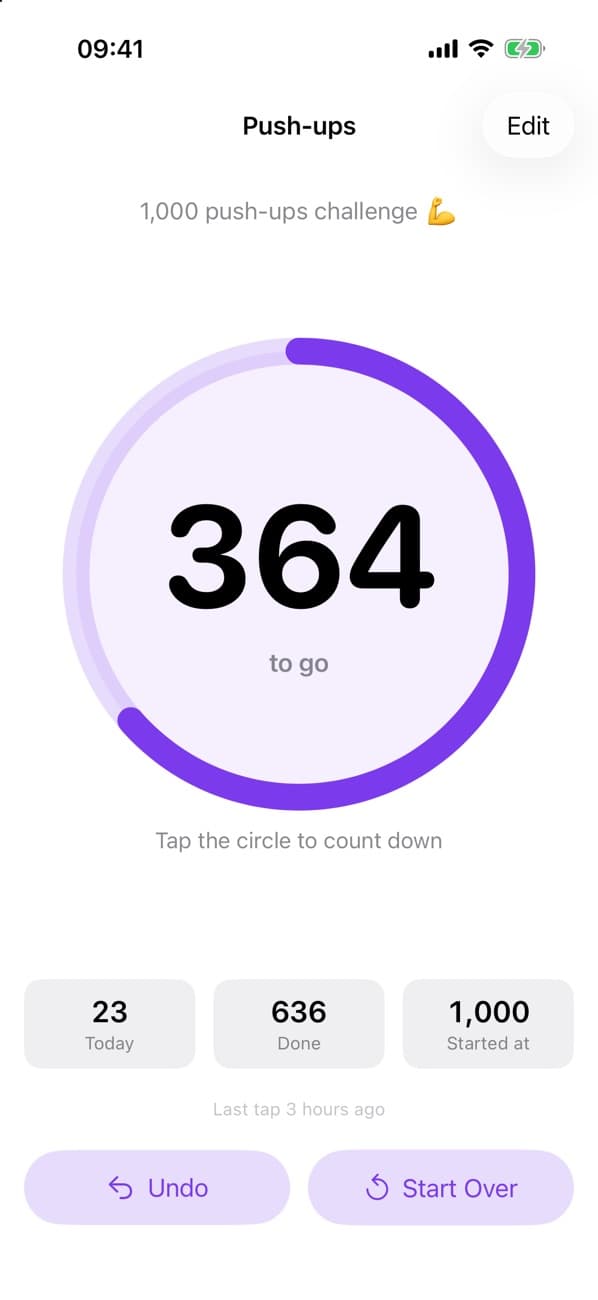
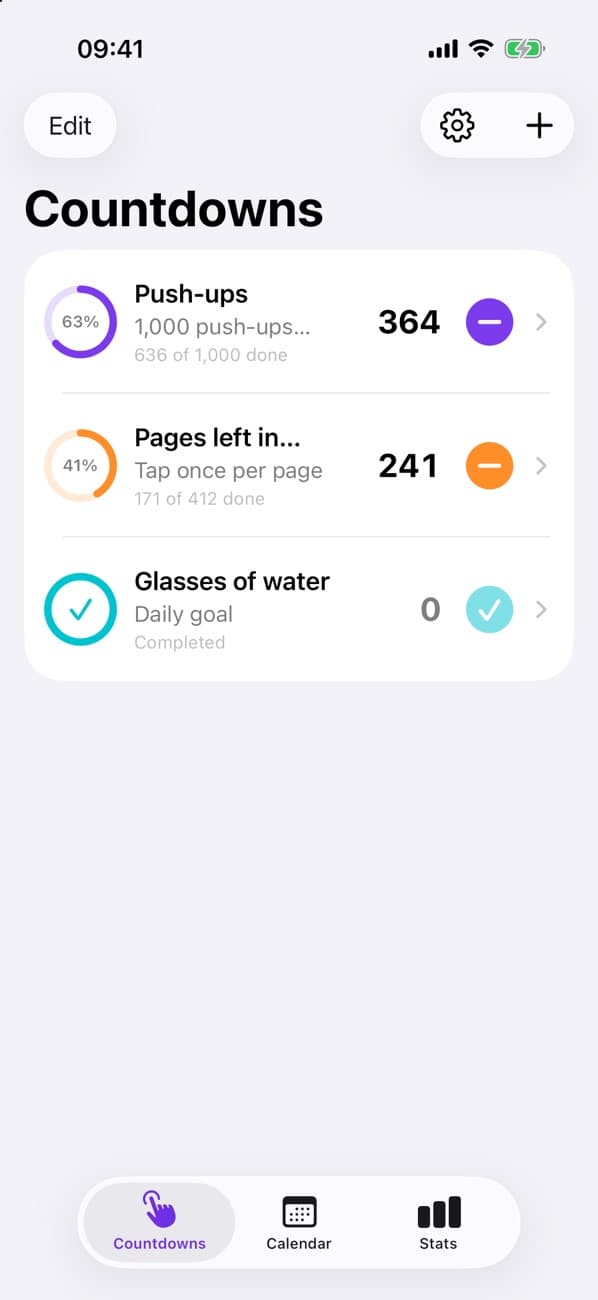
- Push-ups in a challenge
- Pages left in a book
- Glasses of water today
- Days until a trip
- Practice reps
- Anything you can count
Three steps. Lots of little wins.
Step 1
Set a number
Name it, add a note, pick a color, and choose where to start: 10, 100, 1,000—anything.
Step 2
Tap it down
Every tap counts one off, with a soft click that climbs in pitch as you get closer to zero.
Step 3
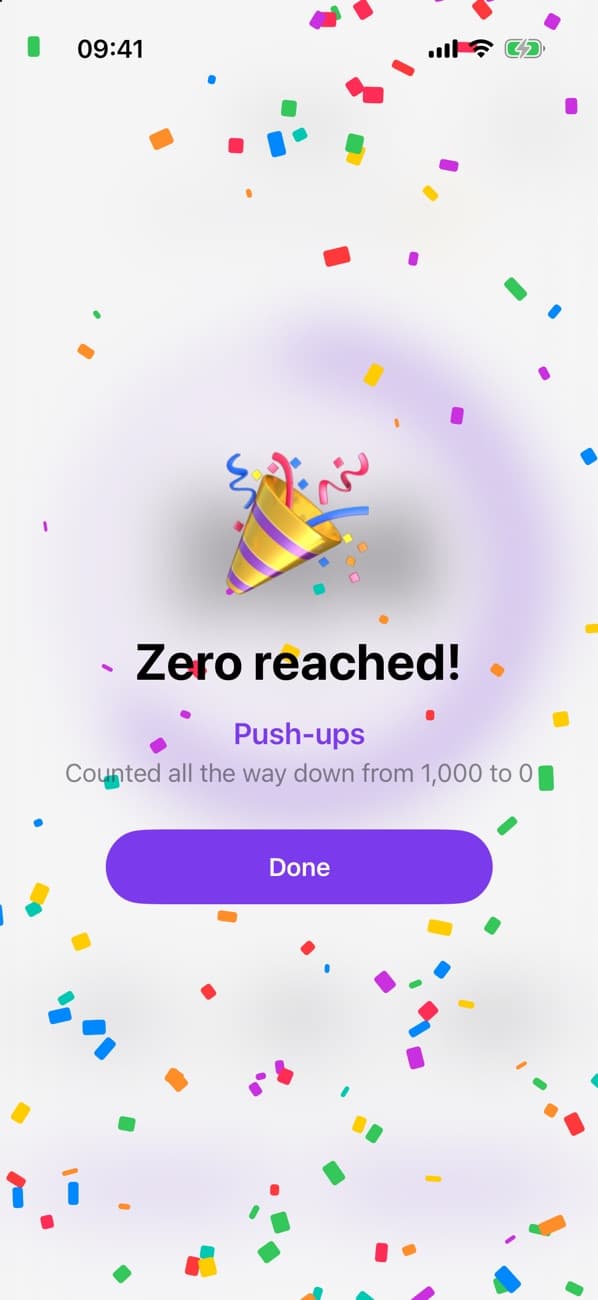
Hit zero
Confetti, a chime, and a finish flag in your calendar. Start over whenever you like.
Small app. Thoughtful details.
Everything you need to count down and see how far you’ve come—nothing you don’t.
As many countdowns as you need
Each with its own title, note, and color. Reorder them, tap straight from the list, or open one for a big tap target.
Undo and start over
Tapped by mistake? Undo takes it back. Start over resets the number and keeps your history.
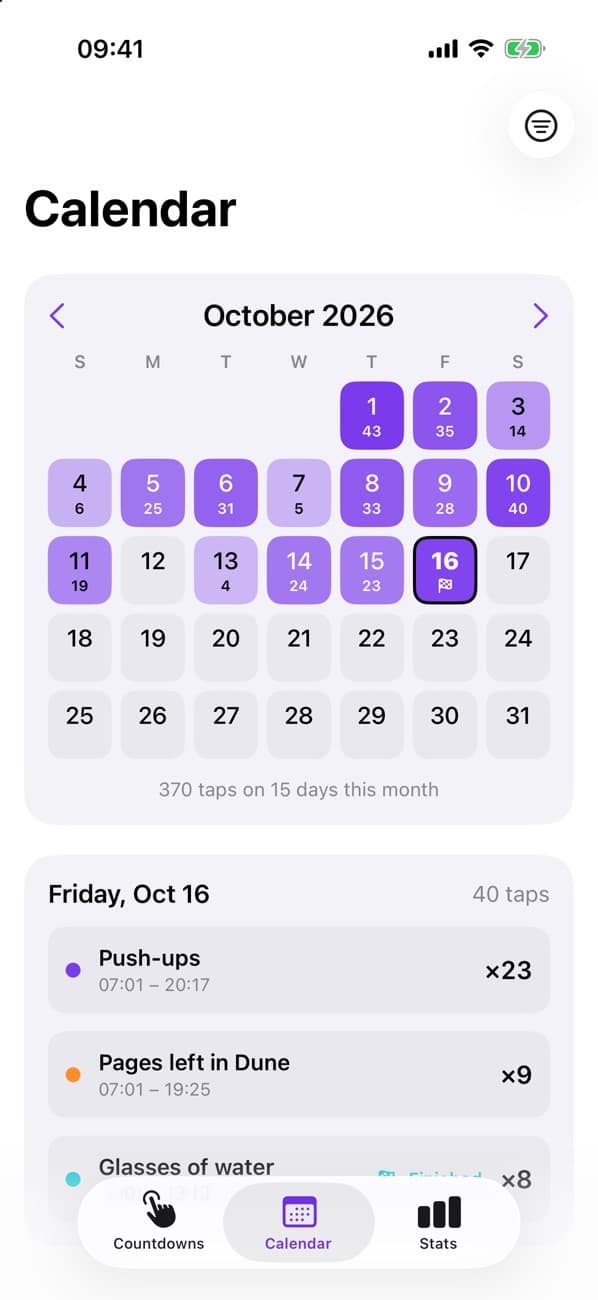
Calendar heat map
See which days you tapped and how much, with a flag on the days you reached zero.
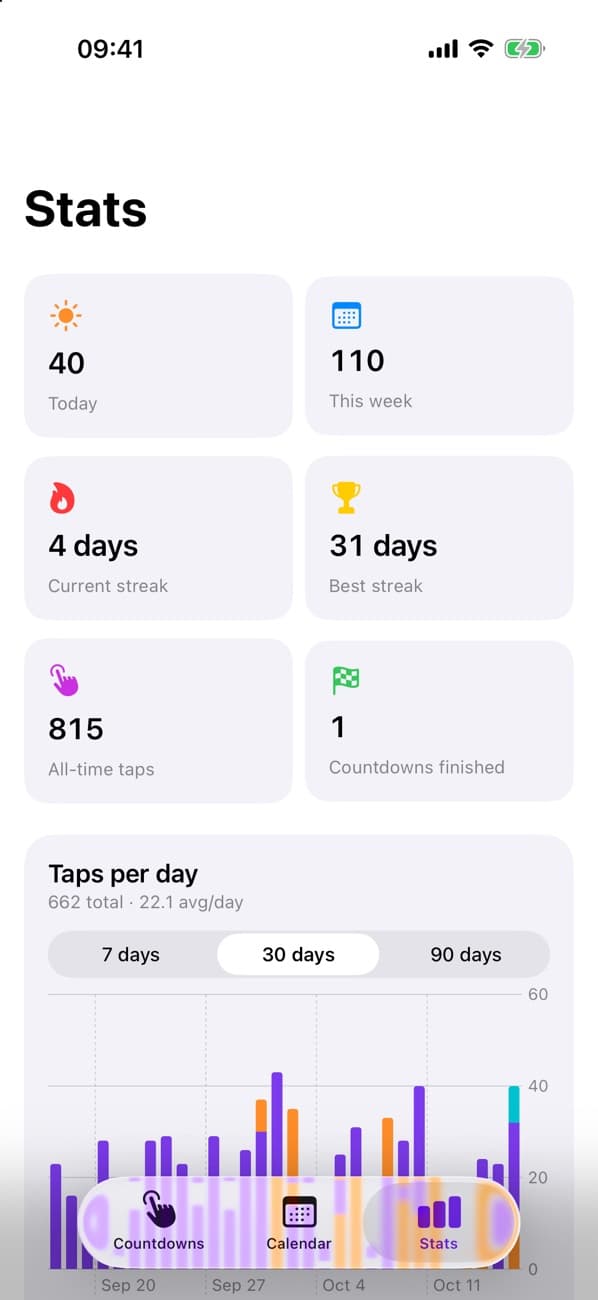
Stats that keep you going
Today, this week, streaks, a 7, 30, or 90-day chart, your recent pace, and an estimated finish date.
Home and Lock Screen widgets
Tap down right from your Home Screen, or glance at what’s left on your Lock Screen.
Sounds and haptics
A satisfying click on every tap. Sounds follow your ringer switch and can be turned off in Settings.
Speaks your language
English, Tiếng Việt, and 日本語, with dates and numbers shown the way your iPhone shows them.
Private by design
No account, no ads, no tracking. Your countdowns and taps stay on your iPhone.
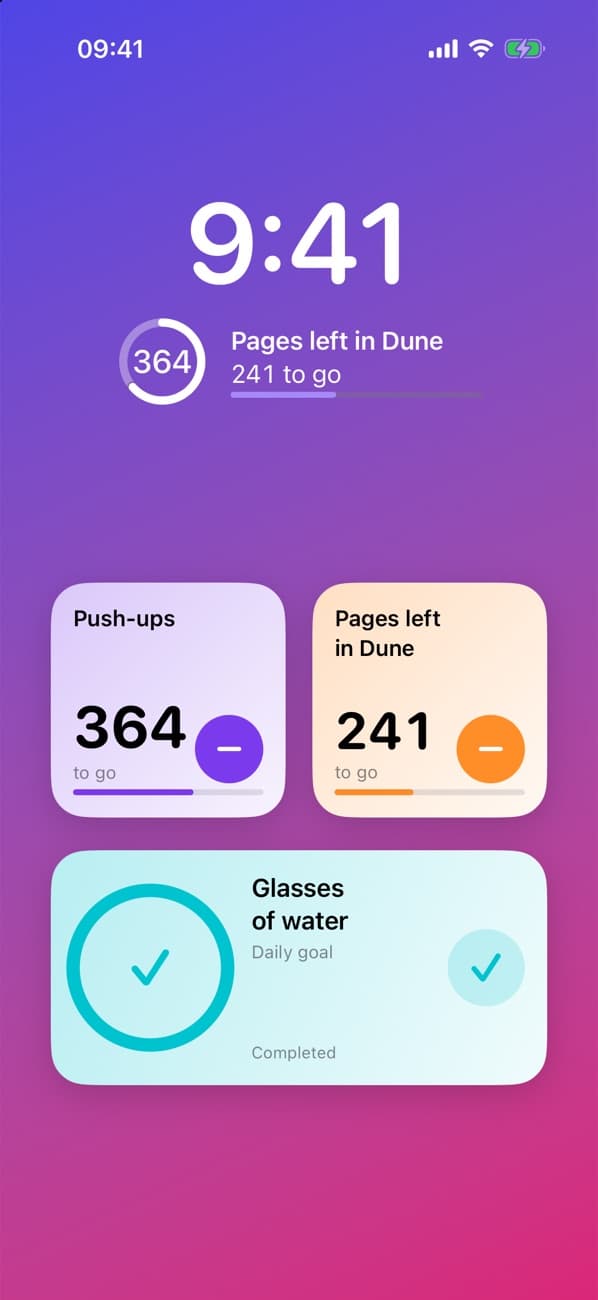
Count down without opening the app.
- Home Screen: small and medium widgets with a − button that counts down right there.
- Lock Screen: see how many are left at a glance—as a ring, a bar, or a line of text.
- Your pick: choose which countdown each widget shows. Tap the widget to jump straight to it.
Tap Countdown is coming to the App Store.
Want to know the moment it’s out? Send a quick note and we’ll let you know.
Tell me when it launchesSupport and privacy
Questions, ideas, or something not working? Contact Wataru Watanabe (w22 digital lab) at hello@w22.dev or read the support guide.
The app keeps your countdowns on your iPhone and doesn’t collect data. This website is hosted on Vercel and uses Vercel Web Analytics. Read the privacy policy for details.